
Table of Contents
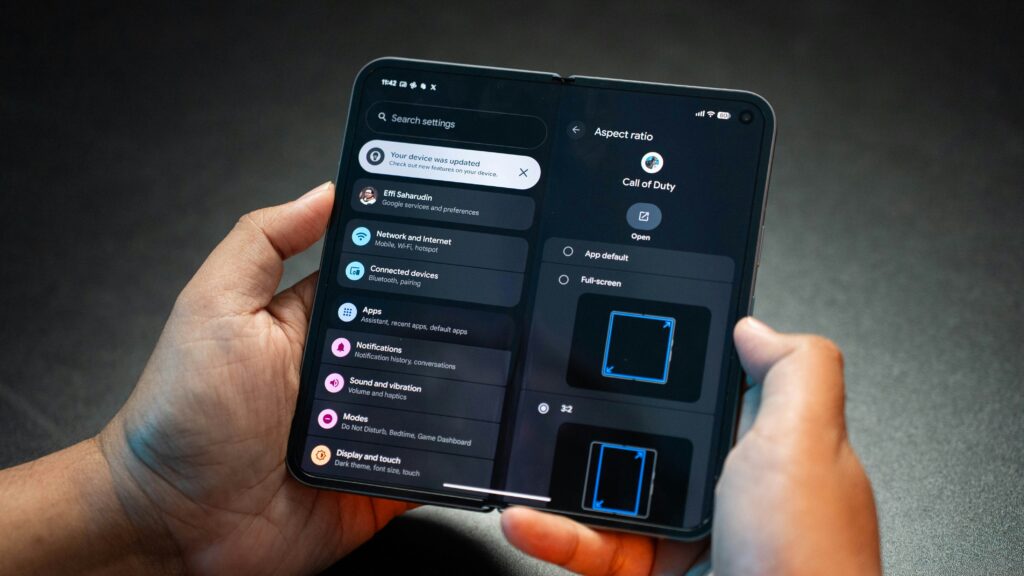
Mobile phone tips are everywhere, but most people still struggle with battery life, storage, speed, and security. The problem isn’t the phone—it’s how it’s used.
This guide focuses on practical mobile phone tips you can apply immediately to make your smartphone faster, safer, and easier to use. Whether you’re on Android or iPhone, these tips apply.
1. Turn On Find My Phone Immediately
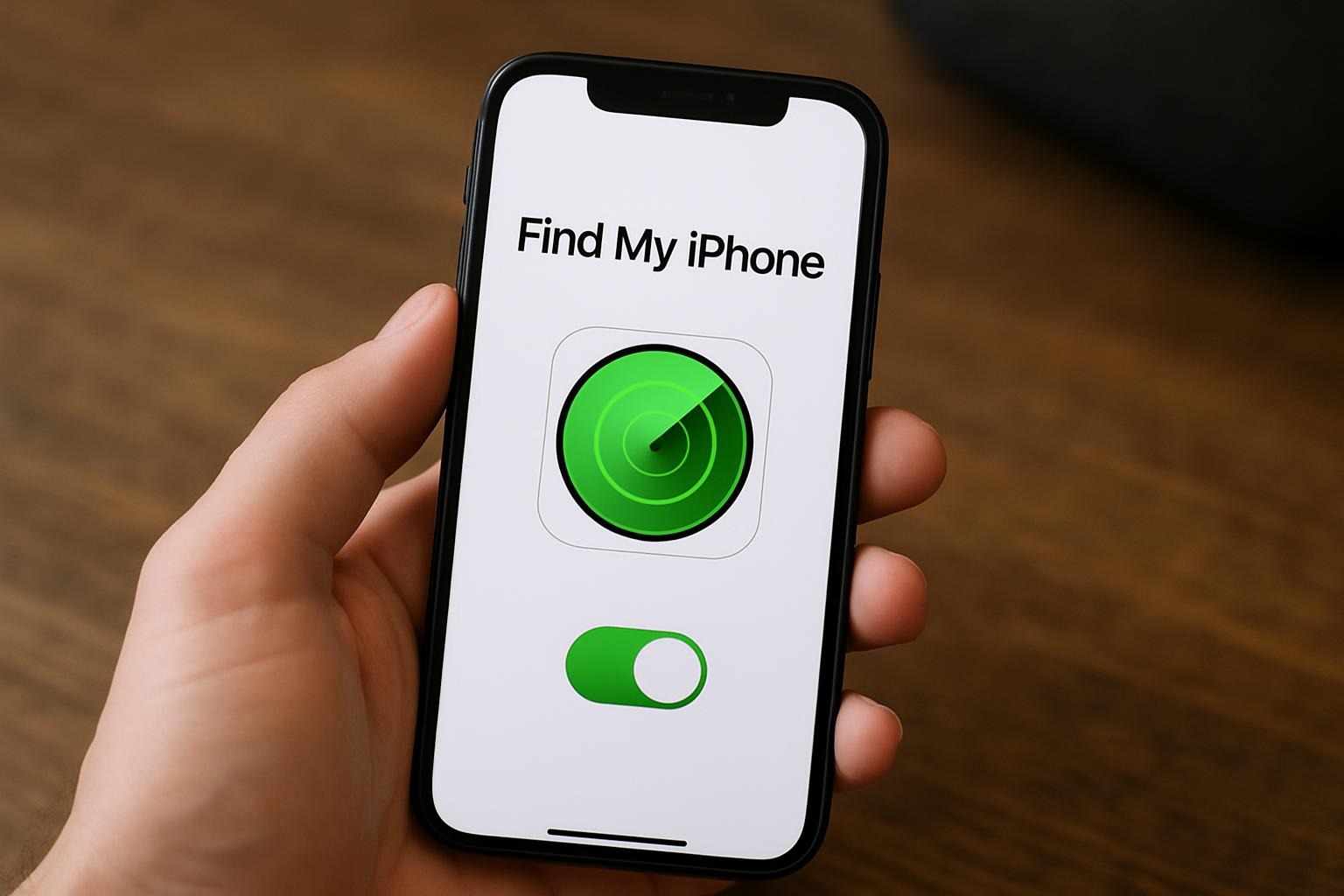
One of the most important mobile phone tips is enabling tracking before your phone gets lost.
- Android: enable Find My Device
- iPhone: enable Find My iPhone
This allows you to locate, lock, or erase your phone remotely. If this feature is off, you’re gambling with your data.
2. Review App Permissions Regularly
Many apps request access they don’t need. This is a major privacy and battery issue.
Go to:
- Settings → Privacy → App Permissions
Remove access to your location, microphone, camera, and contacts unless the app genuinely requires it. This single step improves security and performance.
3. Use Dark Mode to Save Battery
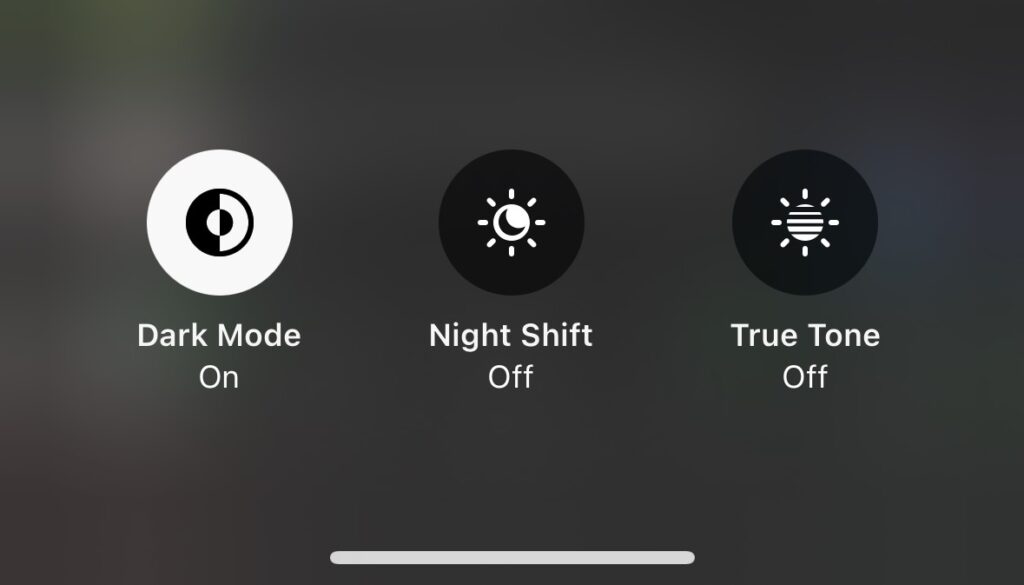
Dark Mode isn’t just cosmetic. On OLED screens, it reduces power usage and lowers eye strain.
Enable Dark Mode system-wide instead of toggling it app by app. This is one of the easiest battery-saving mobile phone tips.
4. Clear App Cache to Free Storage
Social media apps quietly consume large amounts of storage.
- Android: Settings → Apps → Storage → Clear Cache
- iPhone: Offload unused apps or reinstall heavy apps
If your phone feels sluggish, clearing cache is often the fastest fix. Doing this regularly keeps your device performing smoothly.
5. Disable Background Activity for Unused Apps
Apps running in the background drain battery and mobile data.
Turn off background refresh for games, shopping apps, and apps you rarely open. This improves battery life and overall phone performance. Combine this with app updates for maximum efficiency.
6. Use Strong Phone Security Settings
Weak locks are one of the biggest smartphone mistakes.
Use:
- A strong PIN or password
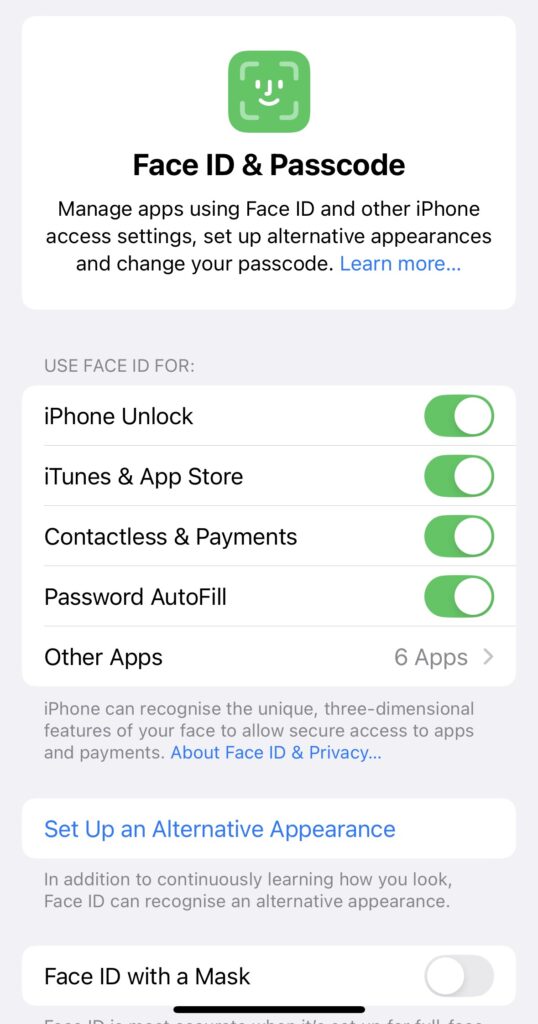
- Fingerprint or Face ID as an extra layer
- Auto-lock set to 30 seconds or less
These basic mobile phone security tips can prevent serious data loss and protect personal information.
7. Learn Phone Gestures and Shortcuts
Gestures save time and make daily phone use smoother.
Examples include:
- Swiping down with two fingers for quick settings
- Double-pressing the power button to open the camera
- Using swipe navigation instead of buttons
Once learned, these shortcuts significantly speed up everyday tasks and improve efficiency.
8. Control Notifications to Reduce Distractions
Too many notifications hurt focus and battery life.
Disable notifications for promotional apps, games, and shopping platforms. Keep alerts only for messages, calls, and essential apps. Combining this with Do Not Disturb schedules can make your device more manageable.
9. Enable Automatic Phone Backups
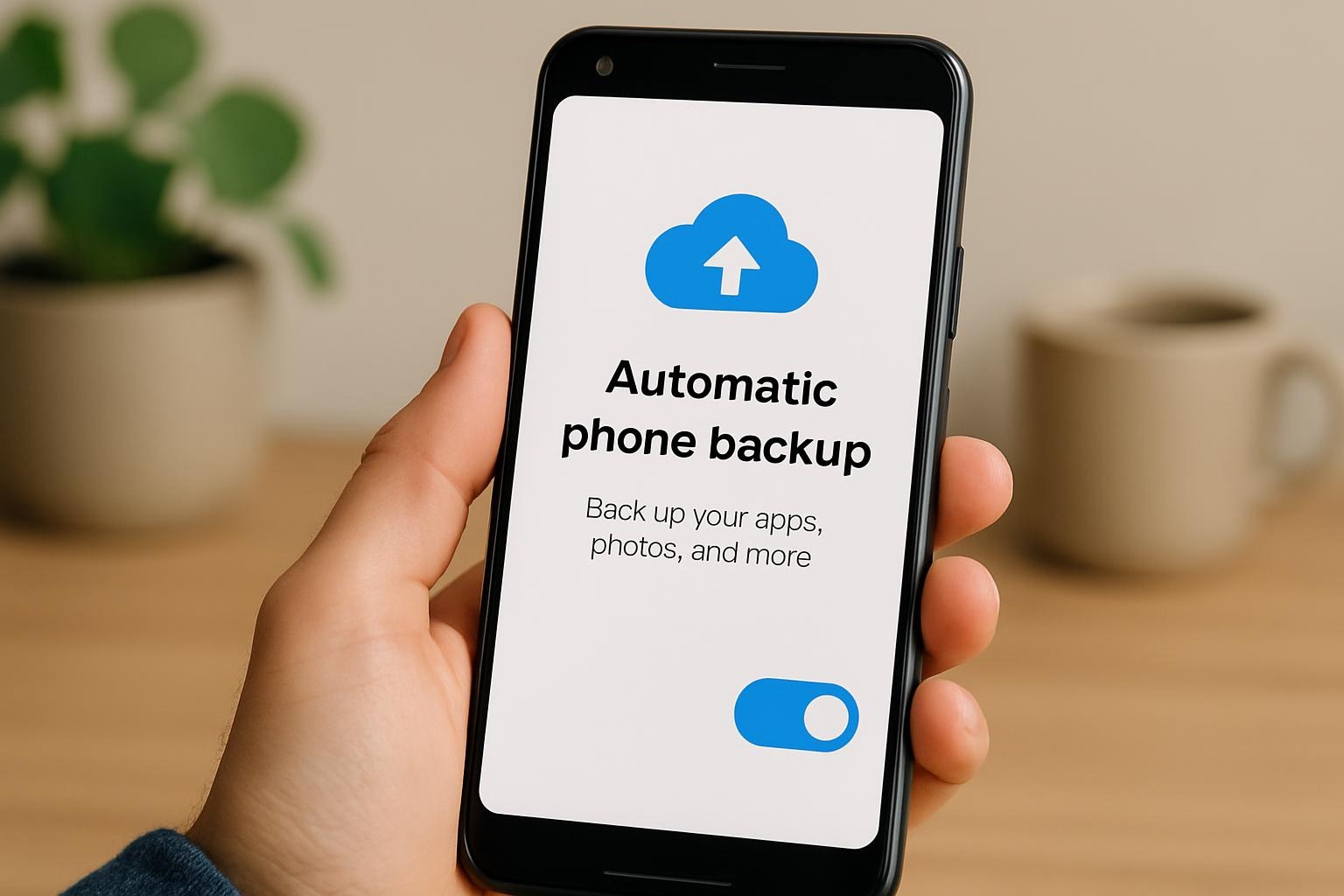
Phones get lost, stolen, or damaged. Backups are non-negotiable.
- Android: Enable Google Backup
- iPhone: Enable iCloud Backup
If your photos and contacts aren’t backed up, you’re one accident away from losing everything. Make it a habit to check backups monthly.
10. Restart Your Phone Weekly
Restarting your phone clears temporary bugs, frees RAM, and improves stability.
If your phone hasn’t been restarted in weeks, performance will suffer. Weekly restarts keep your device responsive and ready for use.
Frequently Asked Questions About Mobile Phone Tips
Q: Do these mobile phone tips work on both Android and iPhone?
Yes. While menu names differ slightly, the core principles apply to both platforms.
Q: How often should I apply these mobile phone tips?
Most settings should be reviewed monthly, while actions like restarting your phone should be done weekly.
Q: Can mobile phone tips really improve performance?
Absolutely. Proper settings, storage management, and updates can significantly improve speed, battery life, and overall phone functionality.
Why These Mobile Phone Tips Matter
You don’t need a new smartphone—you need to use your current one correctly. These mobile phone tips are designed to improve performance, extend battery life, and protect your personal data.
This blog will continue sharing simple, practical mobile phone tips that actually solve everyday problems. Stay tuned.
Discover even more Mobile phone tips to make your phone faster, safer, and easier to use.